
Connect a custom domain for your website
Website from the builder under www.deine-domain.de: A record, CNAME for www, root domain, and typical errors.
Updated on October 19, 2026
Your website from the website builder initially runs under deinname.web.myxentra.com. With the Custom URL add-on, you connect it to your own domain, for example www.deine-domain.de. The website runs on the main domain itself, unlike check-in, guest guide, and co., which run as sub-addresses.
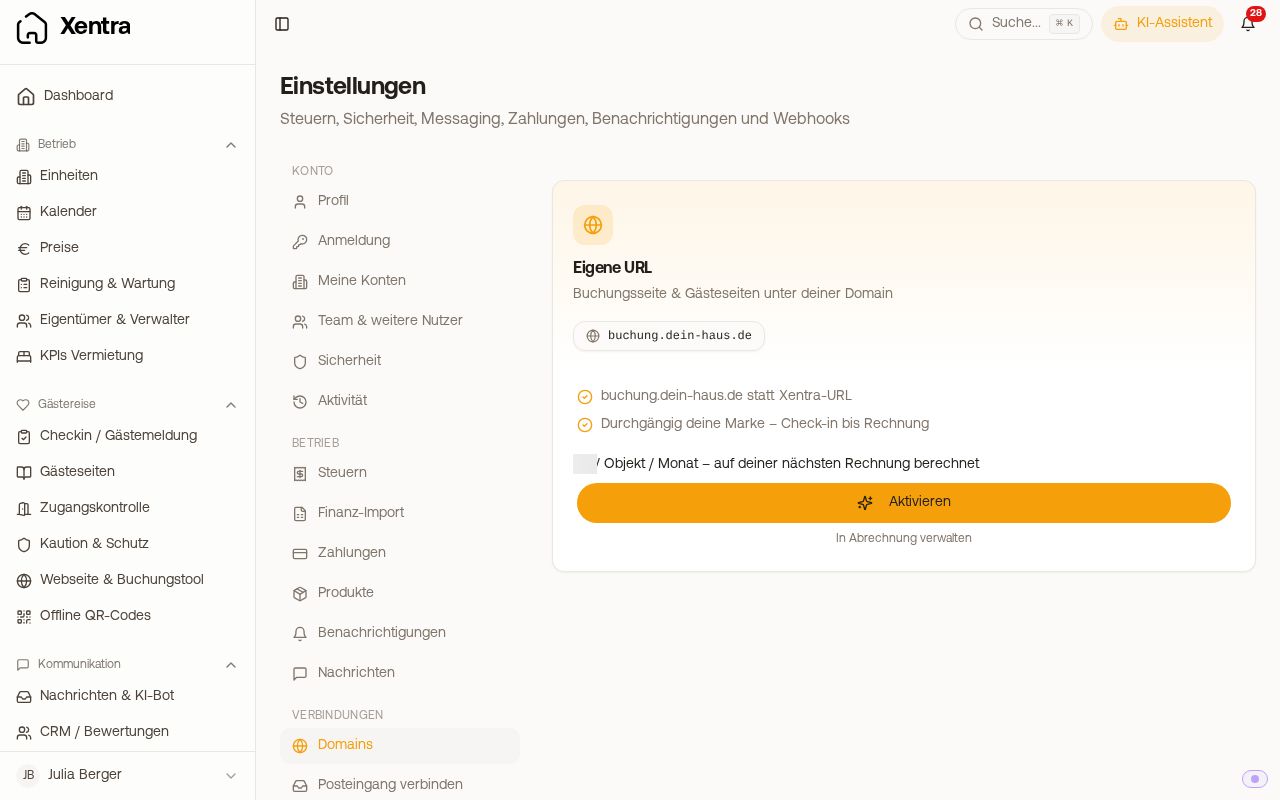 Settings, Domains: first activate the Custom URL add-on, then the Website card appears
How to connect your domain
-
Publish your website. An unpublished website cannot be reached at any address, not even at the default address. This is the most common cause for "page does not exist".
-
Under Settings → Domains (Open Domains), in the Website card, click Connect website domain and enter the domain, for example
deine-domain.de. If you typewww.in front of it, Xentra removes it automatically. The card appears as soon as the Custom URL add-on is active. You do not need the guest addresses under "Custom Domains" for this. -
Xentra shows you two DNS entries that you set with your domain provider:
- an A record for
@(the main domain) - a CNAME for
wwwtocname.vercel-dns.com
Important: Delete an existing
wwwentry beforehand. If it still points somewhere else,www.deine-domain.deremains dead. - an A record for
-
Back in Xentra, click Review. As soon as the DNS has propagated (usually 15 to 60 minutes), the site runs under
www.deine-domain.de, and the address withoutwwwautomatically redirects there.
You can find illustrated step-by-step instructions, including the entries for your provider, under Connect custom domain, chapter Custom website.
Make accessible without www (root domain)
For the address without www, you need the A record pointing to the IP shown in Xentra next to the domain (currently 216.150.1.1).
Do not delete an old A record that still points to your previous provider, but change it to this value. For most providers, the value field is required, and if deleted completely, the site without www will no longer be accessible at all.
If the site already works with www but not without www, this exact A record still points to the old provider. Then click Review once in Xentra.
The domain still shows the old website
This is almost always the browser cache. Open the site in a private window.