
Embed a location map on your own website
Show a property's location as a map on your own website, with ready-made code from the booking tool.
Updated on October 19, 2026
Besides the booking tool, you can show a map with a property's location on your website. It is a Google Maps map, and you don't need your own Google key.
How it works
- Open the booking tool and the tab Embed Code/URL.
- In the card Embed location map, choose the apartment under Property.
- Copy the code and paste it on your website where the map should appear (in WordPress, Wix or Webflow as an HTML or code block).
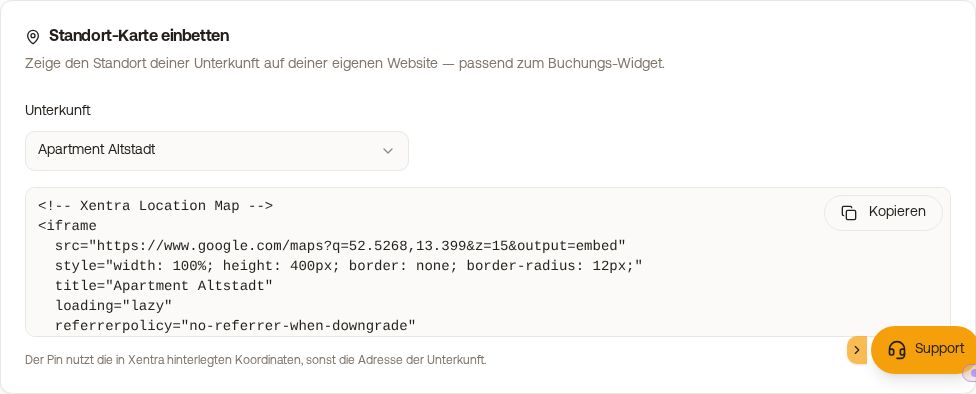 Card Embed location map in the tab Embed Code/URL
Where the location comes from
The pin uses the coordinates stored in Xentra for the unit, otherwise its address. The map is loaded by Google Maps; check whether your privacy policy covers that. If the note “No location stored for this accommodation yet” appears, first enter the address or coordinates under Units.
What else can be embedded
You can embed four things: the booking tool, the availability calendar, the review widget and this location map. You cannot embed the AI bot on a website that is not yours.