
Font of the embedded booking tool
Choose your booking tool's font and see which font the embedded search box uses on your website, without loading Google Fonts.
Updated on November 6, 2026
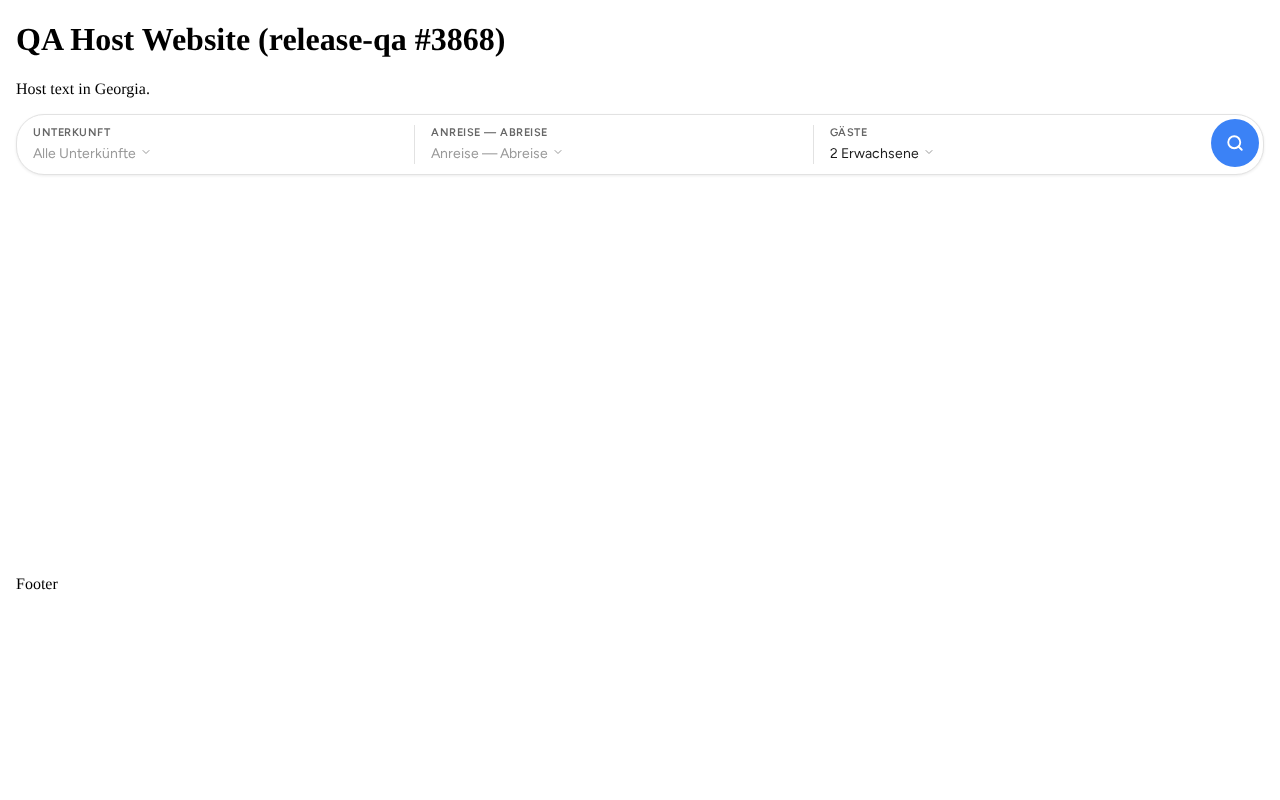
You choose the font of your booking tool under Open booking tool, tab Settings → Appearance, field Font.
For the search field that you embed on your own website with the JS Snippet, the following applies:
- Default: the search field appears in the font Figtree, like your other guest pages. The font comes from Xentra, not from Google.
- A chosen font, for example Montserrat: the search field uses it if your website already loads this font itself. Otherwise it appears in Figtree.
The search field does not load any fonts from Google, so the visitors to your website are not passed on to Google.
For the search field to appear in your font, your website must include the font itself. Usually your theme or your web agency takes care of that.