
Connecting Igloohome: Client ID and Client Secret
Where you get the Client ID and Client Secret for igloohome, which scopes are required, and what helps if the device list is empty or the connection has expired.
Updated on November 12, 2026
When connecting, Xentra asks for Client ID and Client Secret. Both are not in the igloohome app and not in the device settings, but in iglooaccess, the API area of igloohome: https://access.igloocompany.co/api-access
The old Developer Portal (developer.igloocompany.co) only redirects to a deactivated page.
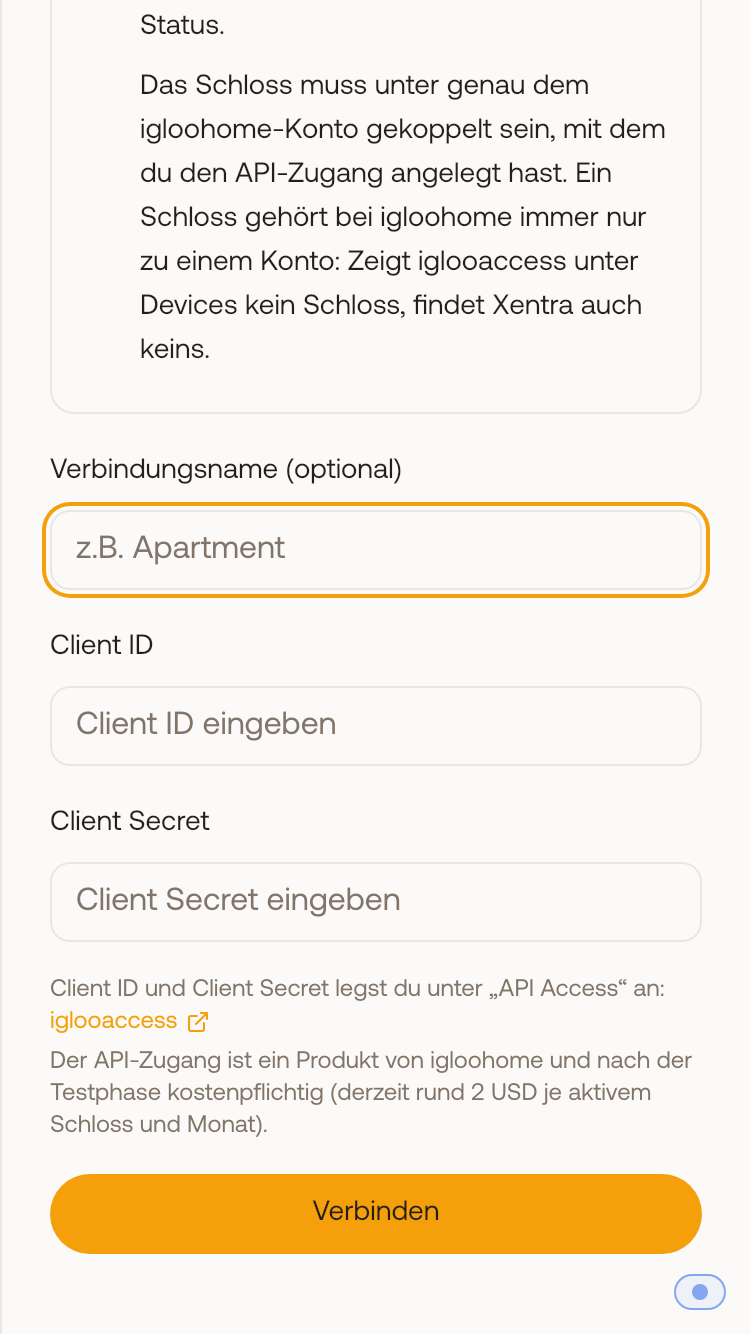 In the Connect igloohome window, the iglooaccess link leads directly to the area where you create your Client ID and Client Secret
How to get the values:
- Register or log in at iglooaccess with the same email as the igloohome account to which the lock is paired, and create an access entry under API Access (name e.g. "Xentra").
- After activation, the Client ID and Client Secret will be displayed there.
- Activate all API scopes: devices, PINs, and bridge. If a scope is missing, Xentra reports missing permissions when connecting.
- In Xentra under Access Control, open the Settings tab, click Add Provider → Igloohome, and enter both values.
- In the Devices tab, assign each lock to its unit.
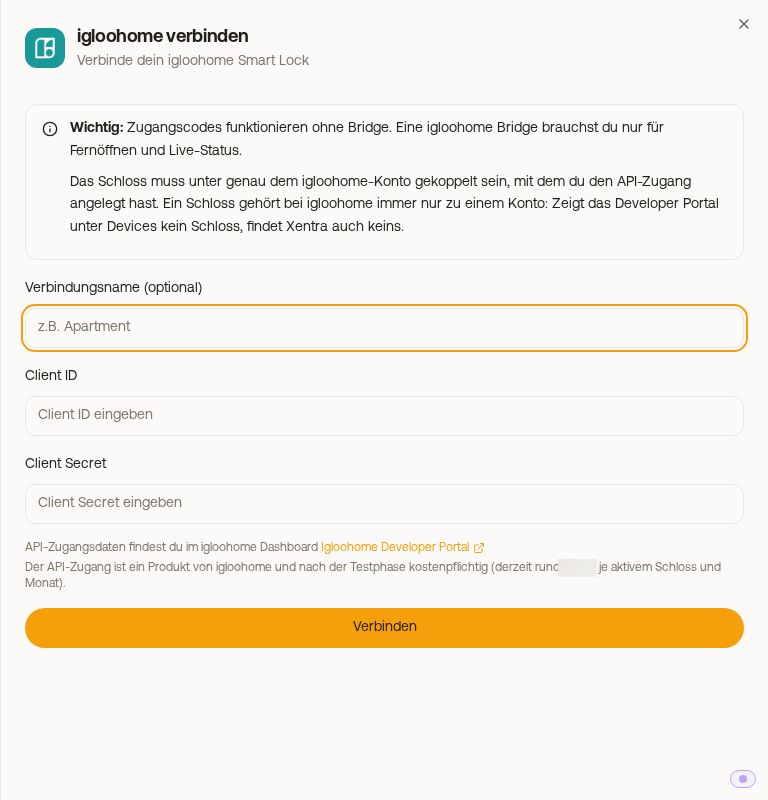 Connect igloohome window with Client ID and Client Secret
Xentra connects to igloohome via this developer interface (server to server), not as an app integration. That is why Xentra does not appear as a connected app in the igloohome app. This is normal and not an error. Creating PINs directly in the igloohome app continues unchanged.
The API access is a product of igloohome, not Xentra, and requires payment after the trial period. You can see the exact terms at iglooaccess.
Is the device list at iglooaccess empty?
Then the lock belongs to a different account than the API access. First check whether the email of your iglooaccess account is exactly the one you are logged in with in the igloohome app. An igloohome lock always belongs to only one account.
In this case, Xentra will not create a connection either: If Xentra cannot find a lock with your credentials, the connection process cancels with a message explaining why (even if only a bridge is paired). Pair the lock under the exact account of the API access and then connect again.
Connection expired?
If the Devices tab says "The connection to igloohome has expired or is invalid", click Reconnect there and enter the Client ID and Client Secret again.
Paired a new lock or battery status out of date?
In Access Control, click Sync Devices (in the Devices tab or in the Settings tab). Xentra then fetches the current device list including status from igloohome. Once a day, Xentra also syncs this automatically when you open Access Control. If igloohome reports no lock at all during this process, your existing devices remain unchanged, and you receive a notice on what to check.
Do I need a bridge?
Not for access codes. All codes that Xentra creates (PIN per booking, duration, one-time, and permanent codes), are calculated by the lock itself. This also works on a key box without internet.
You only need a bridge for live actions: unlocking and locking the lock from within Xentra, live status, and activity logs. In the guest's access link, igloohome does not provide an unlock button, even with a bridge. Your guest unlocks using their PIN.
How PINs per booking work: see Igloohome: PIN per booking and manual codes.