
Hotel cart: book multiple rooms of a category
With the cart in hotel mode of your booking tool, guests book the same room category multiple times, for example two double rooms.
Updated on November 12, 2026
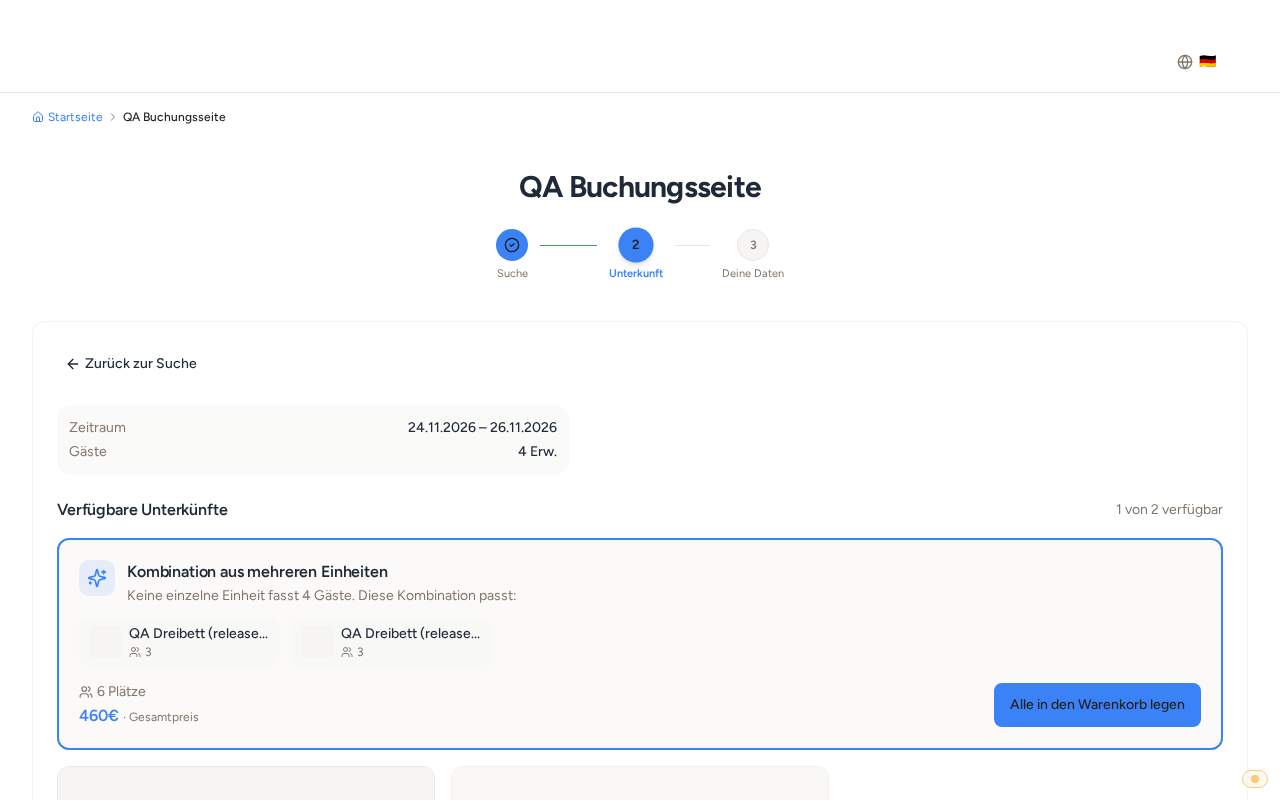
If the cart (hotel mode) is turned on in the booking tool, guests can add the same room category to the cart multiple times, for example two double rooms, until all available rooms are in the cart. After that, the card shows "In cart". The cart is paid online by card; the rooms are automatically assigned after payment.
If one room is not enough for all guests, the booking tool suggests a combination, for example two double rooms for four guests. For this, the maximum number of guests of the category counts: Open units, on the hotel card "Categories", field "Max guests". If a room has its own maximum number of guests, this applies. The card of the category shows the number as "Up to N guests".
On your website, each category appears as one card instead of one card per room.
How you turn on the cart and what arrives in Xentra afterwards: see "Hotel mode in the booking tool: multiple units in one booking". How the category cards are created: see "Hotels in the booking tool: one card per room category". How you set up hotel, categories, and rooms: see "Setting up a hotel with room categories: hotel, categories, rooms, and sales".