
AI Assistant
Personal AI Assistant for questions, setup analysis, and data evaluation.
Updated on November 6, 2026
The AI Assistant answers your questions about Xentra and your own data. It is free and does not use any AI credits. On the home page, it suggests questions about your day, such as today's cleanings, arrivals, or guests waiting for a reply.
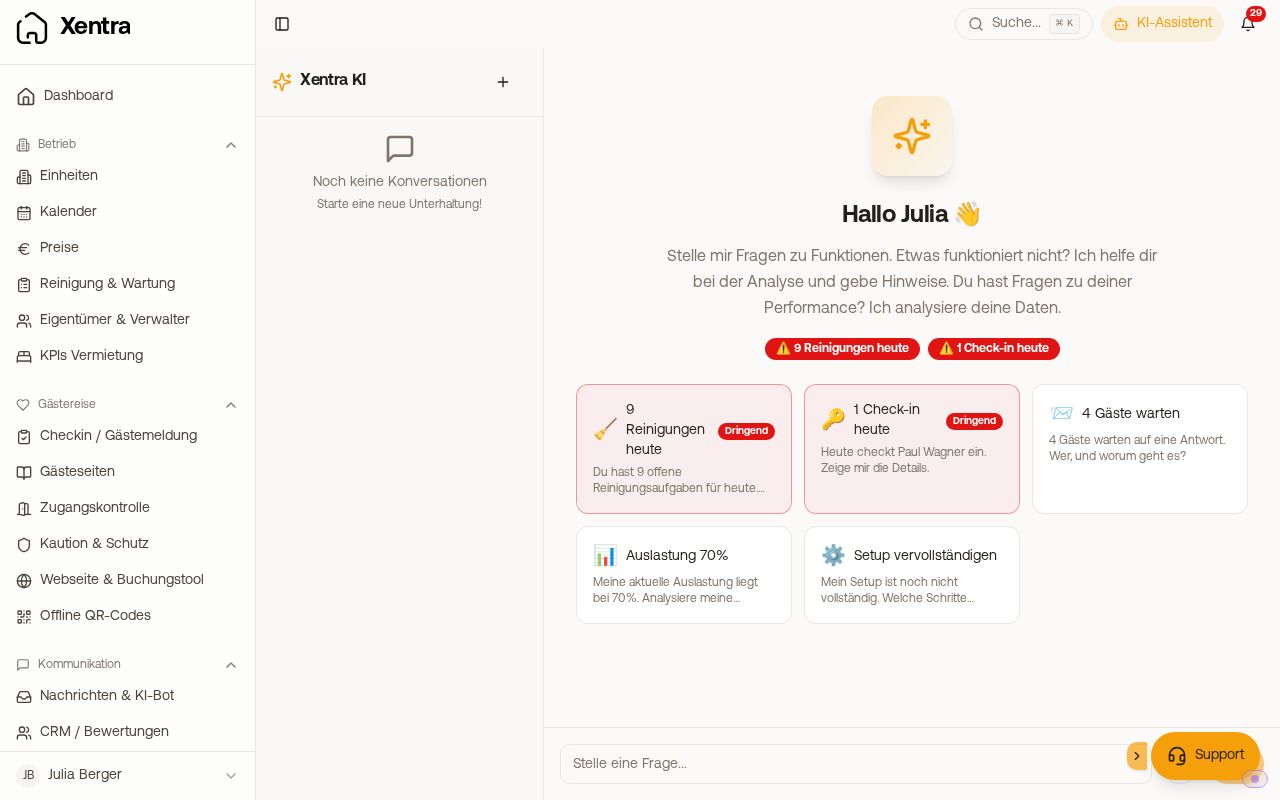 The home page of the AI Assistant with suggestions for your day
How to open it
- In the sidebar at the bottom: AI Assistant (Open AI Assistant), a full-screen chat with your previous conversations. On a computer, the AI Assistant button at the top right opens it in a new tab so you do not lose your spot.
- At the bottom right via the Support button: The AI answers there first, and a human from the Xentra team takes over upon request (see below).
What it can do
- Answer questions about all Xentra features, from the help center
- Check your setup and tell you what is still missing
- Calculate with your data: bookings, revenue, occupancy, comparisons with previous months and trends of the last 3 months, today's arrivals, guests waiting for a reply
- Look into your account before answering: for example, a specific invoice (recipient, line items, whether it is paid), your check-in settings such as house rules, the status of a booking (payment, online check-in, guest guide opened), or errors with connections and automations. It tells you what it found. It is best to give it the invoice or booking number or the guest's name.
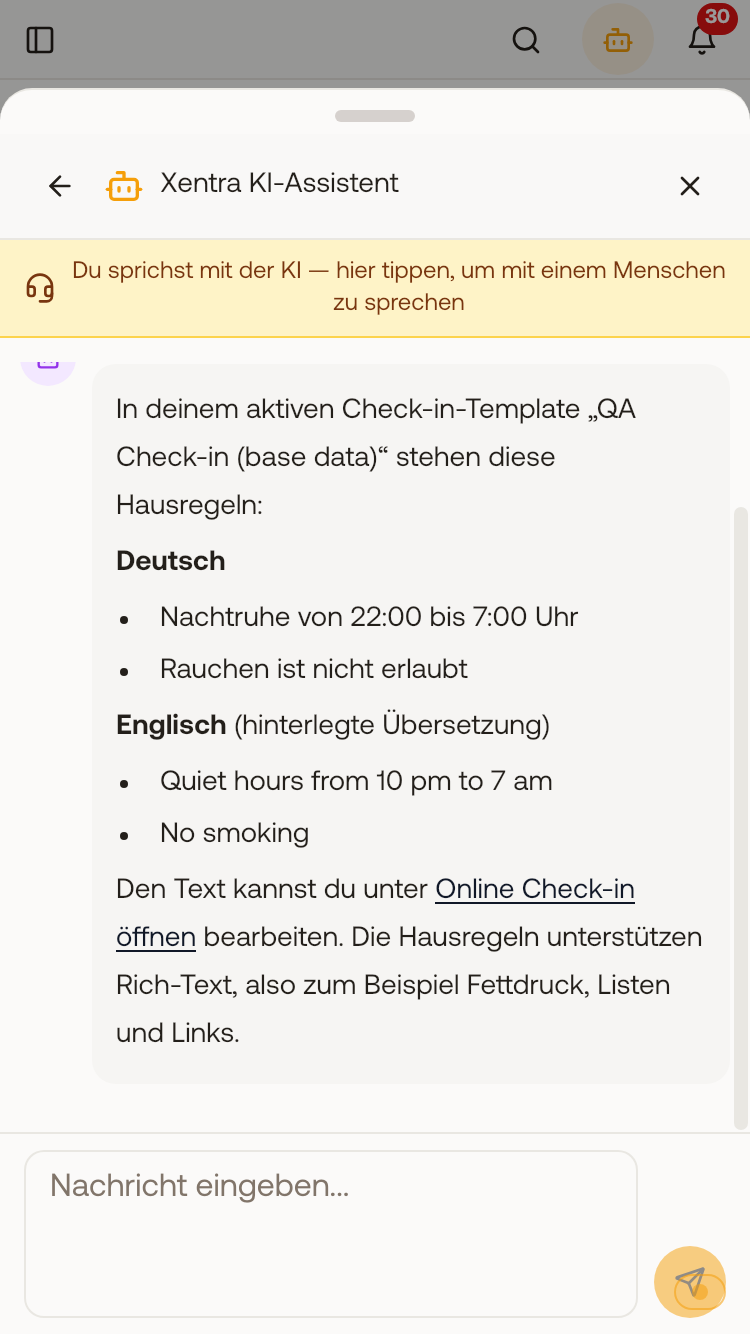 The AI Assistant lists the house rules from your check-in, just as you saved them.
- Answer in German, English, Spanish, Italian, French, and Polish
It does not change anything in your account. What you want to change, it shows you the path in the app.
Team members
Team members use the assistant with the permission "Use AI (at host's expense)", see "AI features". The team admin can always use it. Members open it via the AI Assistant button at the top right.
The assistant only sees what the member is allowed to see: their units, their areas, and the booking fields you have shared. Revenue, for example, only with the permission for financial metrics, guest names only with the "Guest name" field. If the member asks about something they are not authorized to see, the assistant says so instead of answering "none". The setup check is only available for you and the team admin. Each person has their own conversations with the assistant.
When the assistant gets stuck
If it gets stuck, it hands over to a human from the Xentra team, in the same chat. You get the answer in the same place. You can attach screenshots and write in your language; messages are translated in both directions.
Data privacy
Whether the assistant sees real guest names is set under Settings → Security → AI & Data Privacy with the toggle "Real guest names in AI Assistant" (enabled by default).