
Instagram Direct: Answer direct messages in the Inbox
Connect an Instagram Business account, where messages land, and why you can only reply within 24 hours.
Updated on November 12, 2026
Instagram direct messages in the Inbox
You can connect your Instagram account with Xentra. Direct messages sent to your account will then land as a conversation in the Inbox, and you reply from there. The feature is open to all accounts and is still marked as Beta.
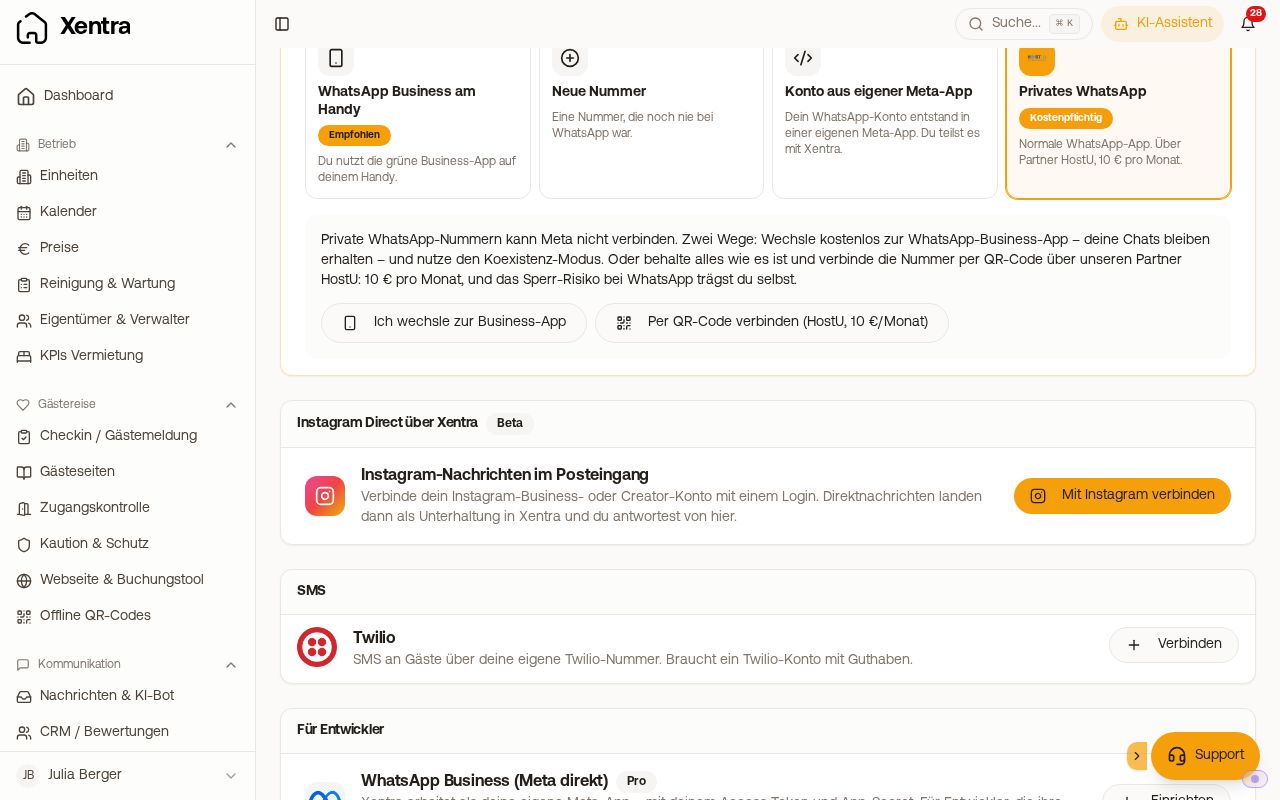 The card "Instagram Direct via Xentra" on the Communication page
Connect
- Open Integrations, Marketplace, Communication, card "Instagram Direct via Xentra".
- Click "Connect with Instagram" and log in with your Instagram account.
The requirement is an Instagram Business or Creator account. A private Instagram account cannot be connected. If the card later says "Login expired", click "Reconnect".
Where messages land
An Instagram message does not belong to any booking. You will find it in the Inbox, recognizable by the pink Instagram icon. Via the filter icon, "Unassigned", "Only these", you only see messages without a booking; under "Channel", you can also specifically select Instagram. You will get the notification "Unassigned guest message" in the bell and via push.
Replying only within 24 hours
Instagram only allows a reply as long as the guest's last message is less than 24 hours old. Every new message from the guest restarts the window, so an ongoing conversation is not affected. If the window is closed, the Inbox shows a notice instead of the input field stating that the guest must write again first. Templates like with WhatsApp do not exist for Instagram.
The AI bot does not reply to Instagram messages because they are not assigned to a booking.
Disconnect
On the same card, "Disconnect". New direct messages will then no longer arrive in Xentra, while conversations already received remain.