
Booking.com: derived extranet rates ignore your minimum stay
Derived Booking.com rates (monthly, weekly, mobile) adopt your price, but not your minimum stay, and guests book short stays at the discount price.
Updated on November 14, 2026
Derived Booking.com rates and your minimum stay
If you have created derived rates at Booking.com, typically monthly, weekly, or mobile rates, Xentra warns you when mapping rooms (Integrations, Channel Manager, Portals view, Booking.com card, in the hotel menu (⋮) "Room and rate mapping"): "This hotel has n derived extranet rate(s) that Xentra cannot manage".
Why this is dangerous
A derived rate adopts the price of the rate it is derived from, but not its minimum stay. Xentra transmits the minimum stay to the mapped rate; the derived rate remains unaffected by this because it lives in the extranet and cannot be reached via the interface.
The result: You set "at least 5 nights", but a guest still books two nights at the monthly discount price. The error looks like a faulty transmission from Xentra, but it is a setting in your extranet.
How to fix it in the Booking.com extranet
- Open Rates & Availability, Rate plans.
- Select the derived rate.
- Set a separate minimum stay for the derived rate. Whether there is an additional option to adopt the restrictions of the main rate, and what it is called, depends on the rate and your extranet. Not every rate offers it.
If a separate minimum stay cannot be entered for a rate, for example with a non-refundable rate, ask Booking.com partner support how to store a minimum stay for this rate, or deactivate the rate until this is clarified.
Xentra cannot set this for you; derived rates cannot be controlled via the channel manager interface.
Rates in Xentra are no replacement: Additional rates under Pricing, "Rates" tab, only apply to your booking tool and manually created bookings. They are never transmitted to Booking.com and do not replace an extranet rate.
Check
After the change, the warning does not disappear immediately; it counts what Booking.com reports. What matters is that every derived rate in your extranet has its own minimum stay or adopts the restrictions of the main rate.
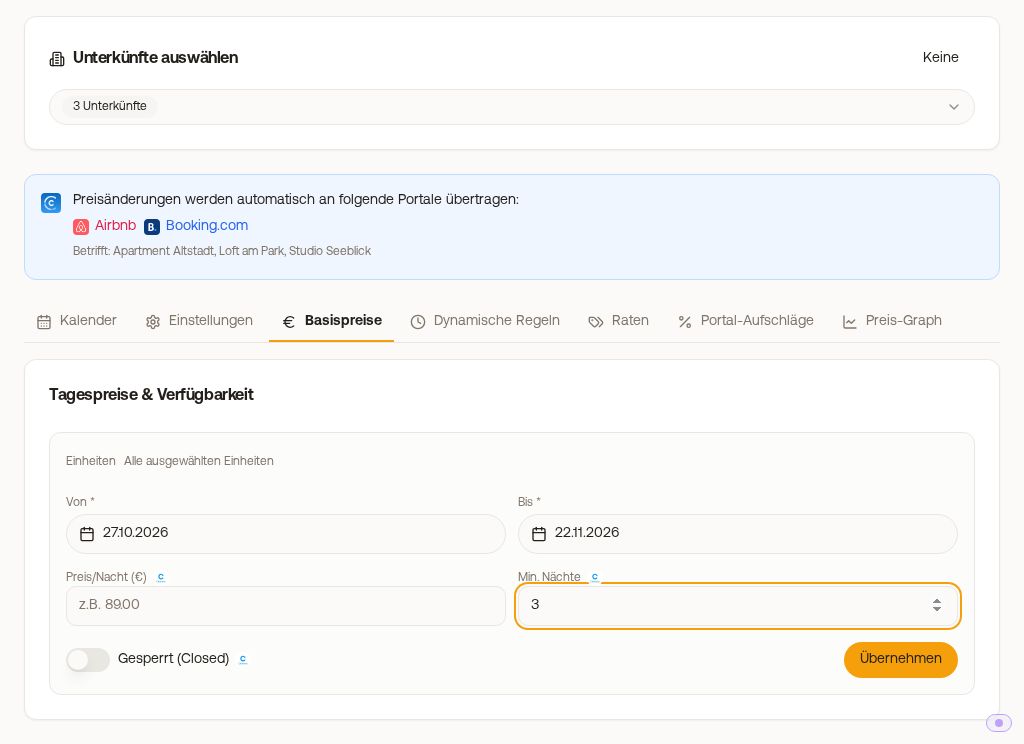
Do not confuse this with the normal minimum stay in Xentra (Open Prices, Calendar tab, "Edit period"): this applies and is transmitted. The problem is exclusively the rates that you have derived directly in the extranet.
Why the Booking.com calendar shows 1 night
Xentra transmits your minimum stay as minimum stay from arrival day: Anyone arriving on a day with a 3-night minimum must book at least 3 nights. The row "Minimum length of stay" in the Booking.com calendar is a different field; it applies to every single night of the stay. Xentra deliberately sets this field to 1, otherwise a stay would be rejected just because a later night falls into a period with a higher minimum. If you enter a value there yourself in the extranet, the next transmission from Xentra sets it back to 1. Booking.com does not show the value from arrival in this calendar view, but it still applies. You can check it by searching for a shorter stay on your listing.
Cancellation policies
Through the connection, Xentra sends prices, availability, and minimum stay to Booking.com, but no cancellation policies. You set these directly in the Booking.com extranet and assign them to the respective rate there, including your standard rate.