
Connect Agoda via the Channel Manager (Beta)
How you connect Agoda using the hotel ID from Agoda YCS via the Xentra Channel Manager, step by step.
Updated on November 11, 2026
You connect Agoda in the Channel Manager using the hotel ID of your property. The integration is still marked as Beta. Requirement: the Xentra Channel Manager is connected and your units are transferred to Channex (see Channel Manager: what it costs and how you set it up).
First in Agoda YCS
- Log in to Agoda YCS and select Channex as the connectivity provider (Channel Manager) for your property. If Channex is missing from the list, ask Agoda support to activate it for you.
- Copy the hotel ID (property ID) from YCS. It consists only of digits.
In Xentra
- Open Channel Manager, select "Add Channel", "Agoda".
- "Next", enter the hotel ID and "Test and continue". If the test reports that Agoda does not show Channex as a connectivity provider yet, check the setting in YCS and test again.
- Map each Agoda rate to a unit and save. Agoda remains paused afterwards.
- Set your Agoda surcharge under Pricing with "Add Surcharge".
- Go back to the Channel Manager and turn Agoda live.
Good to know
- Bookings that are already in Agoda do not come to Xentra, only new ones from the start.
- Xentra sends messages to Agoda guests by email, see Agoda and Feratel: Messages to guests are sent by email.
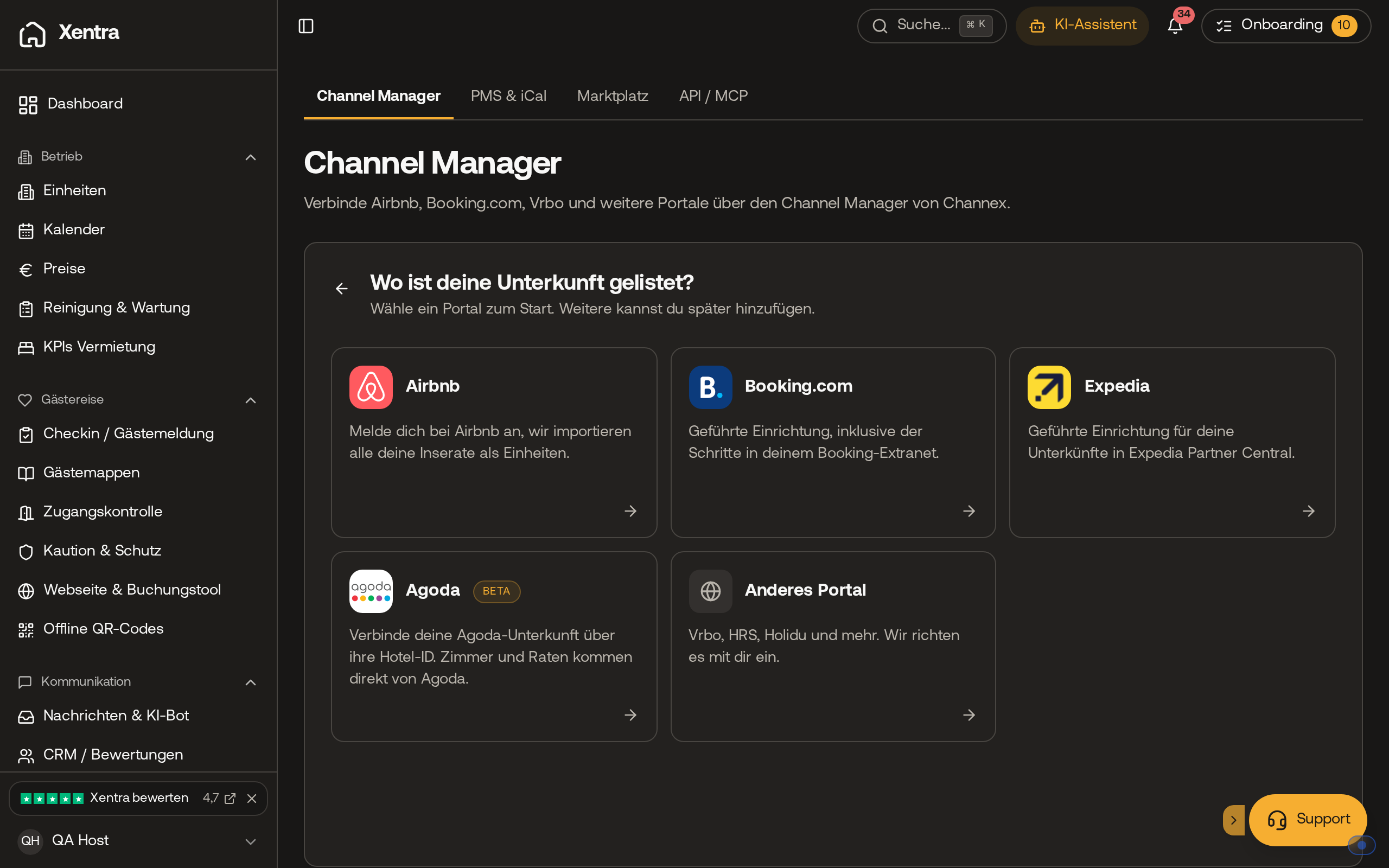 In the Channel Manager, select the Agoda tile under "Add Channel".
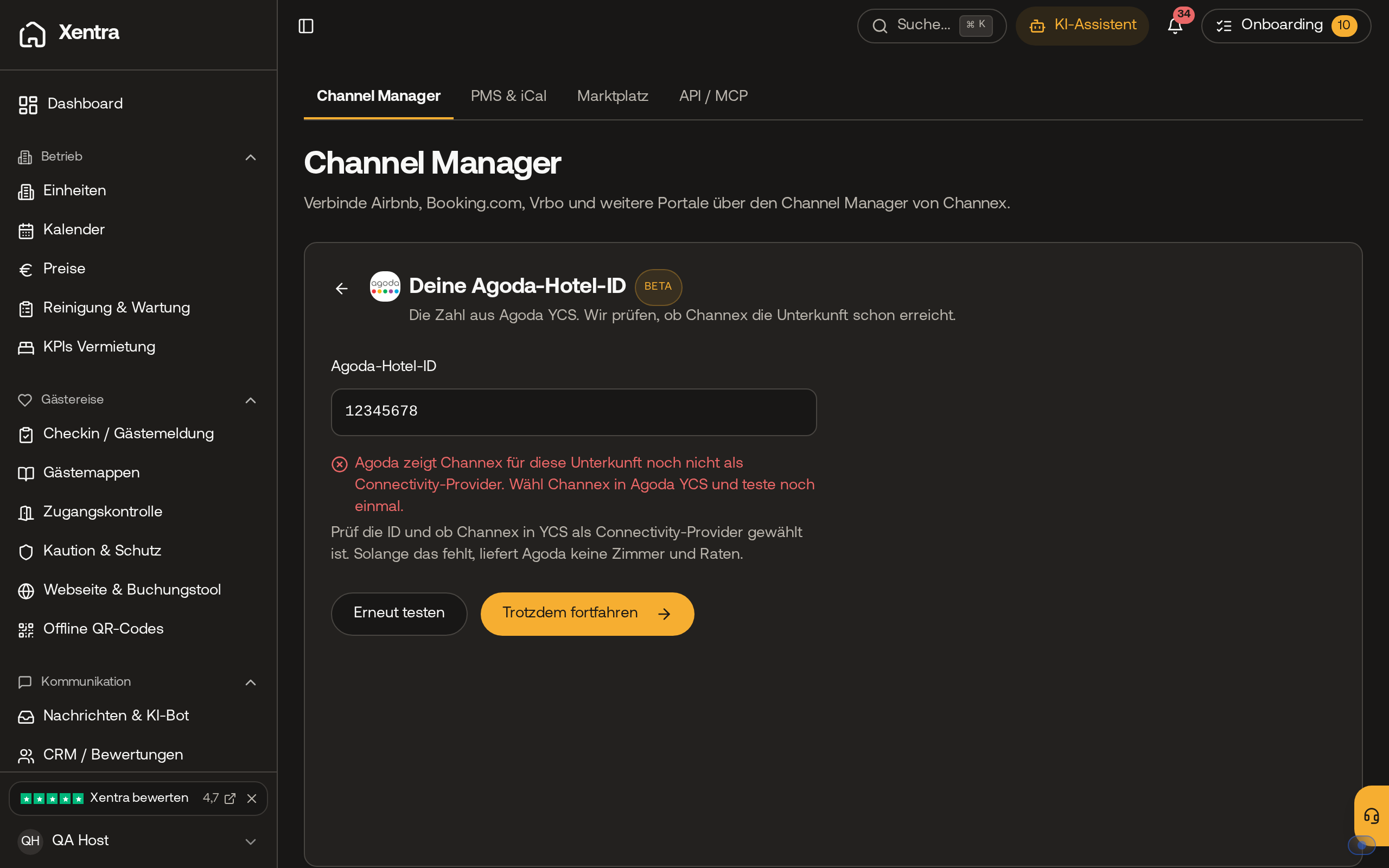 The test of the hotel ID shows whether Agoda already lists Channex as a connectivity provider.