
Testing Xentra: Trial period, setup, and migration
How to get started: create an account, connect sample data or real data, setup with checklist and call, migration in the correct order.
Updated on November 9, 2026
1. Create an account
Register in the browser at app.myxentra.com. The trial period lasts 7 days, free of charge and without a credit card, and ends automatically. If you choose a plan during the trial, you do not lose any trial days. You only create an account in the browser, not in the app.
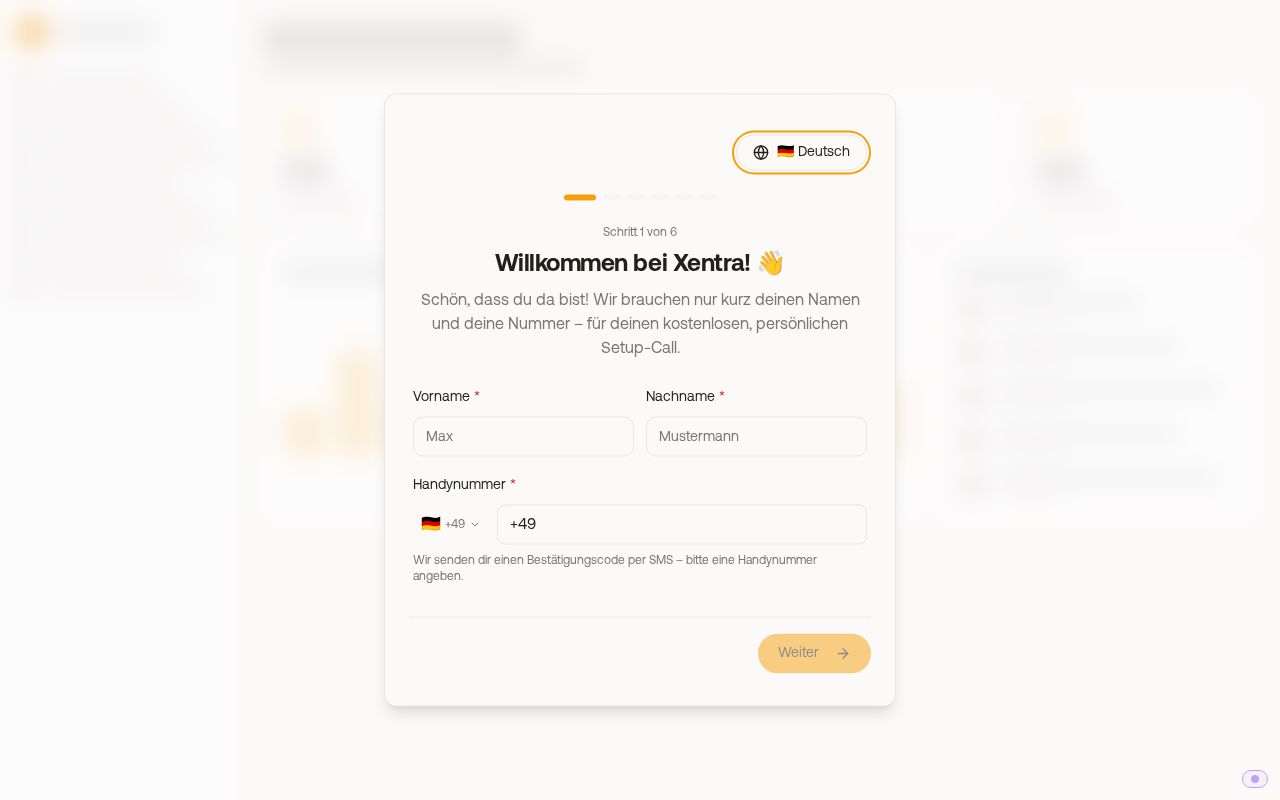 The welcome dialog at first start
2. Look around with sample data or connect real data right away
If you want to look around first without real bookings, switch on the sample data: "Sample data: try Xentra without real bookings".
You can see how your guests experience Xentra even without an account: under app.myxentra.com/demo, you can click through every link a guest receives for three sample hosts (guest registration form via AVS, Feratel, or Tramino): booking page, occupancy calendar, quote, online check-in with tourist tax, guest registration form, guest cards, guest guide, door link, and invoice. Everything is a sample, nothing is stored or sent.
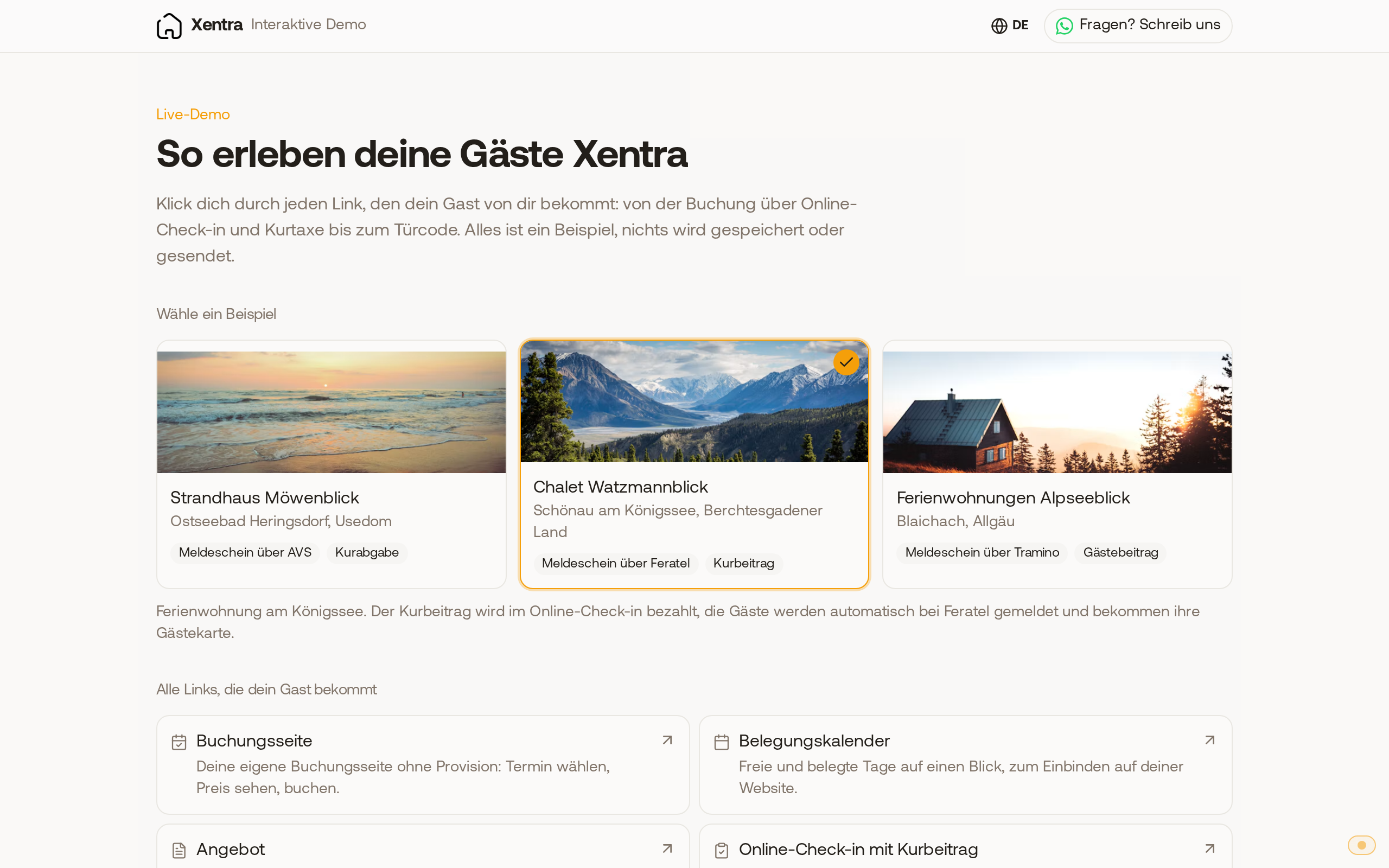 The demo page with the three sample hosts and all links a guest receives. For a real test, connect your accommodations:
- You already have a PMS (for example Smoobu, Guesty, Hostaway, Lodgify, Beds24, or iLoca): connect under Integrations, PMS & iCal. Your accommodations and bookings arrive automatically. See "PMS integrations: what each PMS can do".
- You want to connect the portals directly: via the Channel Manager with Airbnb, Booking.com, VRBO/FeWo-direkt, and Expedia. See "Channel Manager: what it costs and how to set it up".
- Only a calendar via iCal: also works, with fewer options.
3. Work through the checklist
A short welcome wizard asks about your setup and creates your setup plan from it. If you use a system that does not connect directly to Xentra, you can book your free setup call right there (20 minutes, video call). After that, a checklist guides you through the setup and checks off completed steps automatically. Via Book a call, you can get a free setup call with our team at any time. Details: "Setup: Onboarding list and first steps".
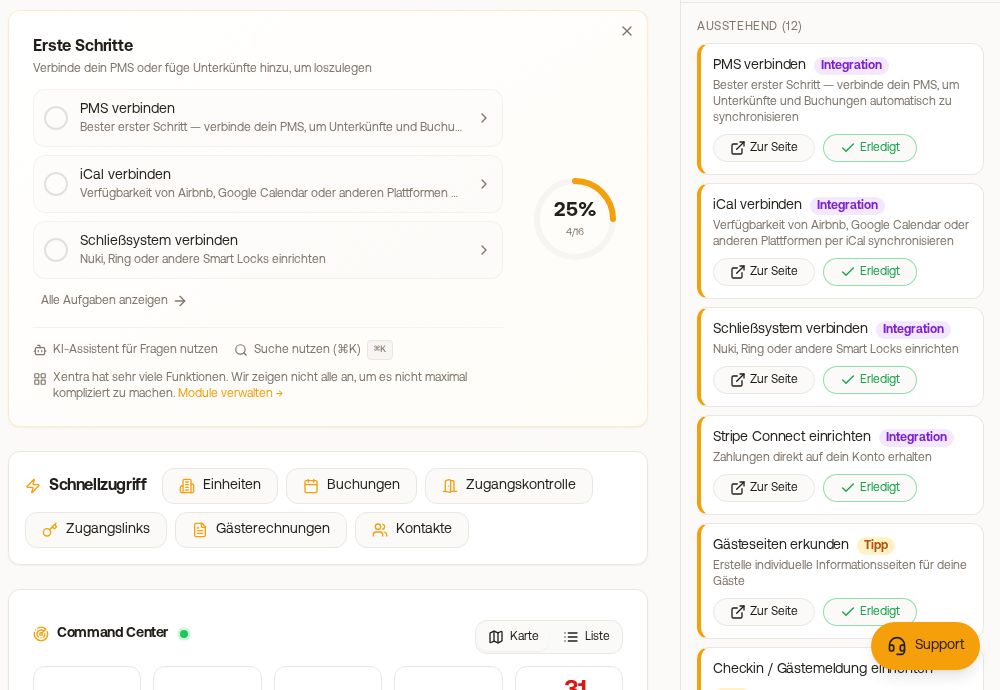 The onboarding list with progress and next steps
4. Test first, then migrate
If you are moving completely from another system, proceed in this order: connect, double check bookings, test check-in, messages, and door codes with a real booking, and only after that cancel the old system. The exact instructions for Smoobu: "Replacing Smoobu: Xentra as a full PMS".
5. After the trial period
To continue, select a plan in the browser under Billing. If you let the trial period expire, nothing is charged and nothing is deleted, access is simply locked. More on this: "Trial period and deleting account".
Questions at start? Write to us at hello@support.myxentra.com or use the support chat in the app.