
Connect MasterMind · Tech to Xentra
How to connect StayControl (noise and smoke sensors) and StayAssist from MasterMind · Tech to Xentra via API key.
Updated on November 12, 2026
MasterMind · Tech offers two services: StayControl measures noise, cigarette smoke, occupancy, humidity, and temperature in your accommodation. StayAssist answers guest inquiries around the clock via call, SMS, and WhatsApp. You can find MasterMind · Tech under Integrations, Marketplace in the category Sensors and monitoring.
How to connect it
- You set up the connection in the MasterMind · Tech portal, not in Xentra. For this, you only need an API key from Xentra.
- In Xentra, open Integrations, API / MCP (or tap the card in the marketplace and then Create API key). Create a new API key and copy it. Give it only read permissions (Read, not Read and write) for the areas MasterMind · Tech needs.
- Open Reservation Sources in the MasterMind · Tech portal, click New Integration, select Xentra as the PMS, and paste the API key.
Only the main account or a team admin can create the API key. Other team members see the steps, but no button.
More on API keys and their permissions: see API key: Permissions, validity, rotation.
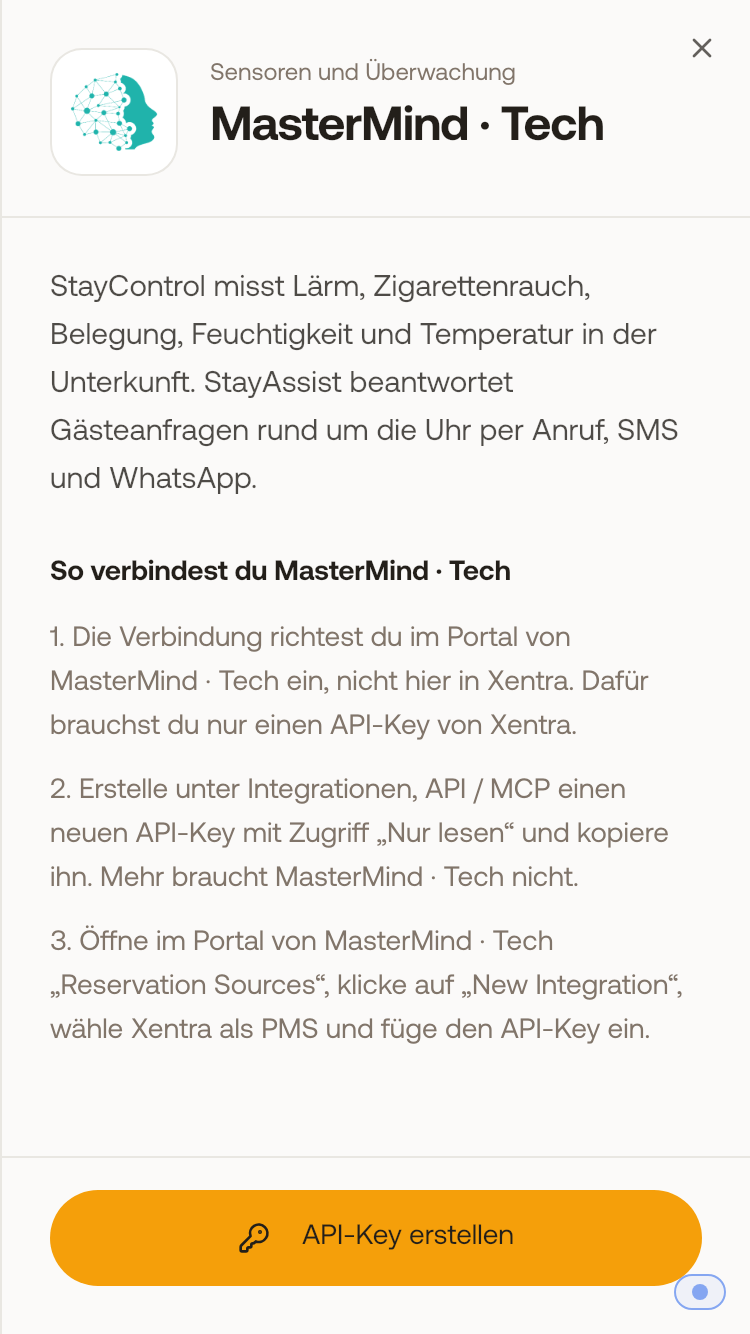 In the marketplace, the MasterMind · Tech card shows the three steps and the "Create API key" button.